This section explains how to use debugging features for SMS (SNOOZE Mode Sequencer) when the selected microcontroller supports SMS.
This feature is supported only by the simulator. It is available only for devices that support peripheral function simulation. Please refer to our website for supported products. |
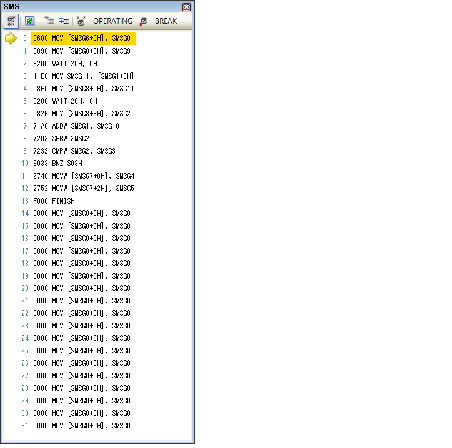
Select [SMS] from the [View] menu to display the SMS panel.
Click the Enable/Disable button on the SMS panel toolbar to toggle SMS debugging on or off.

SMS programs cannot be downloaded using the debugger. |
This section describes how to start SMS debugging.
When a trigger occurs, the program stops and SMS debugging can begin.
Click the  on the SMS panel toolbar to begin.
Click the  on the SMS panel toolbar.
Click the Run button on the debug toolbar.
Right-click the line where you want to start execution and select [Set the location for the next execution here] from the context menu.
The SMS panel displays SMSIp (p:0-31) code in the disassembly area as 4-digit hexadecimal values along with disassembled instructions.
The SMS status is displayed on the toolbar of the SMS panel.